Ghost Escape:
Escape from Your Own Path
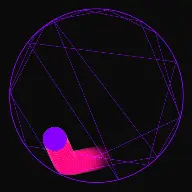
Build high-suspense videos where the ball is trapped by its own trail. Watch the ball navigate and break through blocks created by its past path to escape.
What Ghost Escape Actually Does
The ball is trapped by its own history. Every bounce leaves an obstacle, so the arena gets harder as the run continues.
Ghost Escape is an escape run where the obstacles are generated by the ball itself. The path it has already travelled persists in the arena, so the space available shrinks with every bounce and the run gets harder the longer it lasts.
That self-inflicted difficulty is what makes the format distinct. There is no external enemy and no rising timer required. The ball is racing its own history, and viewers understand that premise immediately once they see the trail turn solid.
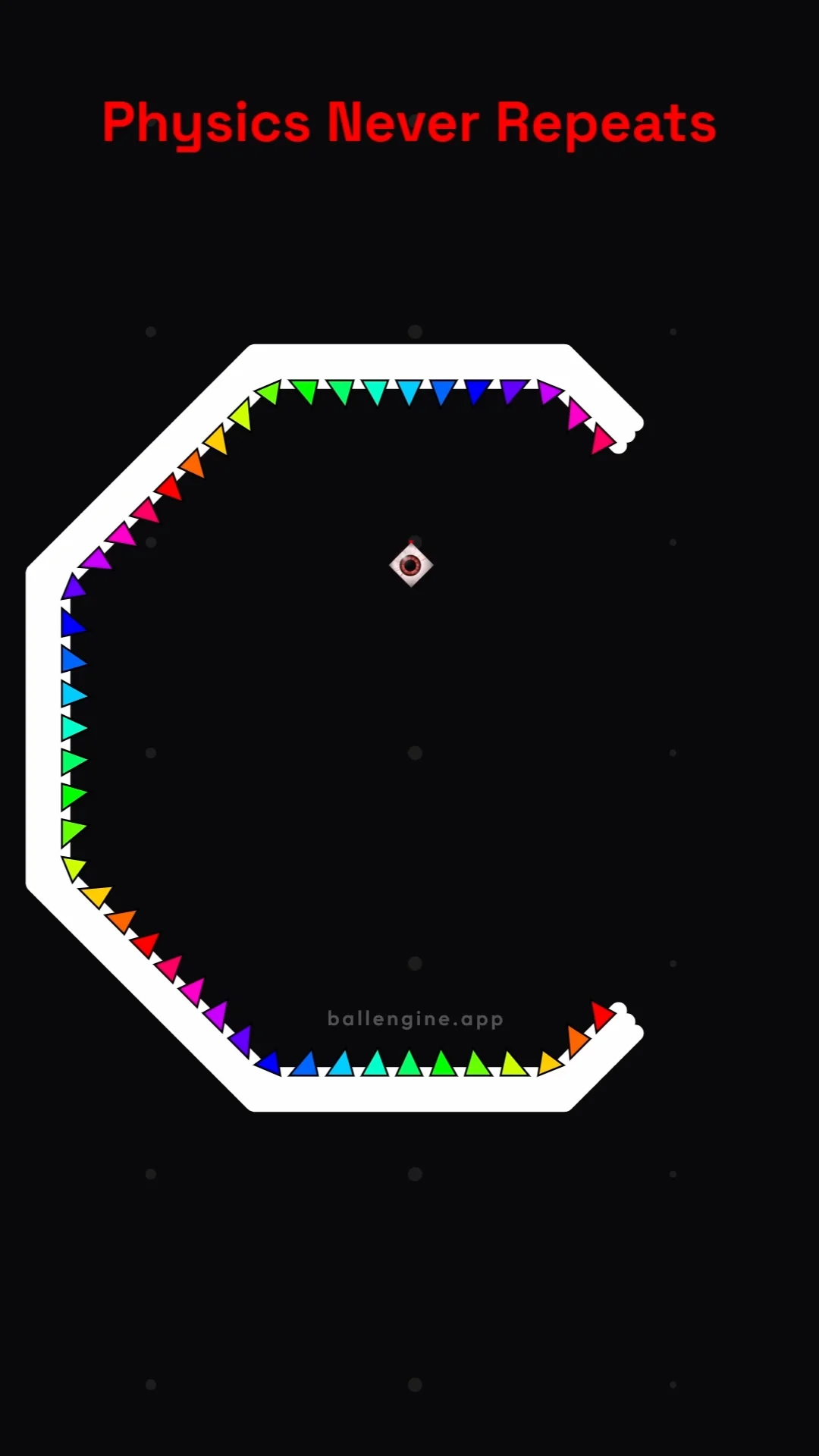
The arena adds pressure of its own. A rotating boundary with a configurable gap gives the ball a moving exit, and spikes around the perimeter give failure a real cost, so the run has a genuine win and lose state.
Mode Reference
- Studio mode
- Ghost Escape
- Core mechanic
- The travelled path becomes a solid obstacle
- Arena
- Rotating boundary with a configurable gap
- Hazard
- Configurable perimeter spikes
- Ends when
- The ball escapes, hits a spike, or the timer expires
- Best canvas
- Vertical 9:16 with the arena centred
How A Run Plays Out
The exact sequence the engine runs in this mode, from the first frame to the moment the run resolves.
The ball bounces inside a rotating boundary
Rotation Engine and Step Increment drive the boundary. Gap Size and Gap Start Angle place the exit, which sweeps past the ball as the boundary turns.
The path solidifies behind it
Each segment of travelled path stays in the arena as an obstacle. Line Thickness and Line Lifetime decide how much room the history takes up and whether old segments eventually clear.
The free space shrinks
As the drawn history accumulates the ball has fewer routes to the gap. Late in a run the ball is threading through a maze it built itself in the first ten seconds.
The run resolves
The ball either reaches the gap or hits a spike. Death effects, escape effects, and Reset Delay control what the viewer sees at the moment of resolution.
Every Control In Ghost Escape
These are the settings this mode adds on top of the shared physics, visual, audio, and export controls. Names match the studio sidebar exactly.
Boundary and exit
The exit is a moving target. A small gap on a fast rotation makes escape a timing problem rather than a navigation problem.
Spikes
Spikes give failure a cost. Tall closely spaced spikes turn the perimeter into a genuine hazard, sparse short ones are mostly decorative.
Ghost path
Thickness sets how fast the arena fills. Lifetime decides whether the maze is permanent or clears behind the ball on a delay.
Resolution effects
These sell the win and the loss. A distinct death effect and a distinct escape effect make the outcome unambiguous in the final second.
Run timer
An optional on-screen timer turns the run into a scored attempt, which is the difference between a clip and a challenge.
Sound
Ghost Escape carries its own melody slot, so the run can play a tune while keeping distinct audio for failure.
Ghost Escape Example Runs
Every clip below was rendered in this mode. Nothing here is borrowed from another mode.
Create Ghost Escape Ball Videos | Fun Circle Games
Create viral Ghost Escape ball simulations. Watch the ball leave ghost obstacles, build satisfying paths, and escape. Perfect for TikTok & Shorts.
Why Ghost Escape Videos Travel
Retention reasons specific to this mechanic, not general advice about short-form video.
The premise needs no caption
Once the trail visibly turns solid, the viewer understands the trap without being told. Self-explanatory mechanics are what survive a muted autoplay.
Difficulty rises on its own
The arena gets harder because of what already happened, so tension increases without any escalation setting. The longer the video runs, the higher the stakes.
Failure is real
Spikes mean a run can end badly. Videos where the outcome is genuinely uncertain hold attention better than ones where success is guaranteed.
It provokes discussion
Near misses in a self-built maze read as decisions, and viewers argue about whether the ball could have made it. That is comment activity a bounce loop does not get.
Videos You Can Make In This Mode
Each of these is a different configuration of the same mode, so one setup session produces a batch of related uploads.
Standard trapped run
Permanent path, moderate rotation, a visible gap. The core format and the version search demand is looking for.
Timed attempt
Add the run timer with a fixed limit so the video is a scored attempt. The number on screen gives viewers a reason to stay to the last second.
Spike gauntlet
High spike count with tall spikes, so the perimeter is lethal and the gap is the only safe surface in the arena.
Fading history
Set a line lifetime so the maze clears behind the ball. The run becomes survivable indefinitely, which suits longer videos.
Thick-path pressure
Raise line thickness so the arena fills quickly. Short, intense runs where the ball is boxed in within seconds.
Attempt series
Publish consecutive attempts at the same arena. Viewers who watched a failure will watch the retry.
Build Your First Ghost Escape Video
The order that works. Following it out of sequence usually means retuning settings you already set.
- 1
Set the arena rotation
Choose the rotation engine and speed first. Everything about the difficulty follows from how often the gap passes the ball.
- 2
Size the gap
Start with a gap wide enough that the first run escapes, then narrow it. As with escape runs, tune down from solvable rather than up from impossible.
- 3
Set the path thickness
Thickness controls how fast the arena fills. Test a full run and check that the ball still has room at the point where you want the video to end.
- 4
Add the hazard
Place spikes and pick a death effect distinct from the escape effect, so the outcome is unmistakable in the final frame.
- 5
Add the timer and export
Turn on the run timer if you want a scored attempt, position it clear of platform interface overlays, then export vertically.
Settings That Make The Difference
- Line lifetime is the master difficulty control. Permanent history makes a run finite by construction, a lifetime makes it survivable.
- Give the ghost path a colour clearly different from the ball so viewers can see what is history and what is live.
- A slower rotation with a smaller gap is more tense than a fast rotation with a large gap, even though both can be equally hard.
- Keep the death effect short. A long failure animation delays the reset and viewers leave during it.
- Publish failures as well as escapes. A run that ends on a spike is often the more engaging video.
What Breaks A Run
- Thick permanent lines with a small arena, which boxes the ball in before the video establishes what is happening.
- A ghost path the same colour as the ball, which makes the frame unreadable within seconds.
- Spikes with no visible gap, so the run has no win condition and the video has no payoff.
- A long reset delay between attempts, which wastes the seconds where attention is highest.
Balancing a run that fights itself
Ghost Escape has a built-in difficulty ramp, which means the usual tuning problem is reversed. Most modes need escalation added, this one needs it restrained. The two controls that matter are line thickness, which sets how much space each bounce costs, and line lifetime, which sets whether that cost is permanent.
With permanent history the run has a hard limit. The arena will eventually fill, so the video length is decided by geometry rather than by choice. That is useful when you want a guaranteed short video, and a problem when you want a two-minute run. Setting a lifetime converts the maze into a rolling window that the ball can survive indefinitely.
Rotation speed interacts with both. A fast boundary presents the gap often, which shortens runs and reduces how much history accumulates. A slow boundary makes each missed opportunity expensive, because the ball keeps drawing while it waits.
Making the outcome readable
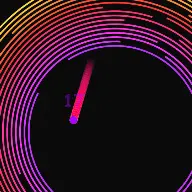
The moment the run resolves is the frame people remember, and it needs to be unambiguous. Escape and death should not share an effect or a sound. A bright clear escape effect against a distinct impact effect means a viewer who looks up halfway through knows instantly what happened.
Colour separation matters just as much during the run. The live ball, the ghost path, and the spikes should occupy three clearly different parts of the palette, because by the second half of a run all three are on screen at once and overlapping.
The optional timer adds a second readable channel. Even when the maze is visually busy, a number counting down gives the viewer something to track, and it turns each upload into an attempt that can be compared against the last one.
Ghost Escape Questions
In Ghost Escape Mode, past bouncing positions leave behind semi-permanent 'ghost block' obstacles on the canvas. As balls bounce, they leave a trail of these blocks that restrict future motion. The balls must navigate through their own historical pathways and break these blocks to find a way out of the rotating container, creating a dynamic, self-restricting maze.
In the Ghost Settings panel, you can set the opacity, lifetime, and durability of the ghost blocks. You can customize them to disappear after a certain number of seconds, or require balls to collide with them multiple times to break them down. This lets you adjust the difficulty and pacing of the breakout run.
Narrative suspense is highly viral on YouTube Shorts. We recommend starting with a slow gravity settings so the maze builds up gradually. Use caption hooks like 'Can the ball escape its own past?' and configure the chimes to rise in pitch on each ghost block collision. This builds a tense, gamified narrative that keeps viewers glued to the screen.
Modes That Pair With Ghost Escape
Open Ghost Escape
Every control on this page is already in the studio. Load the mode and start from a working run.