Drawer Mode:
Bouncing Ball Line Drawing

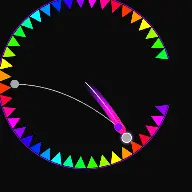
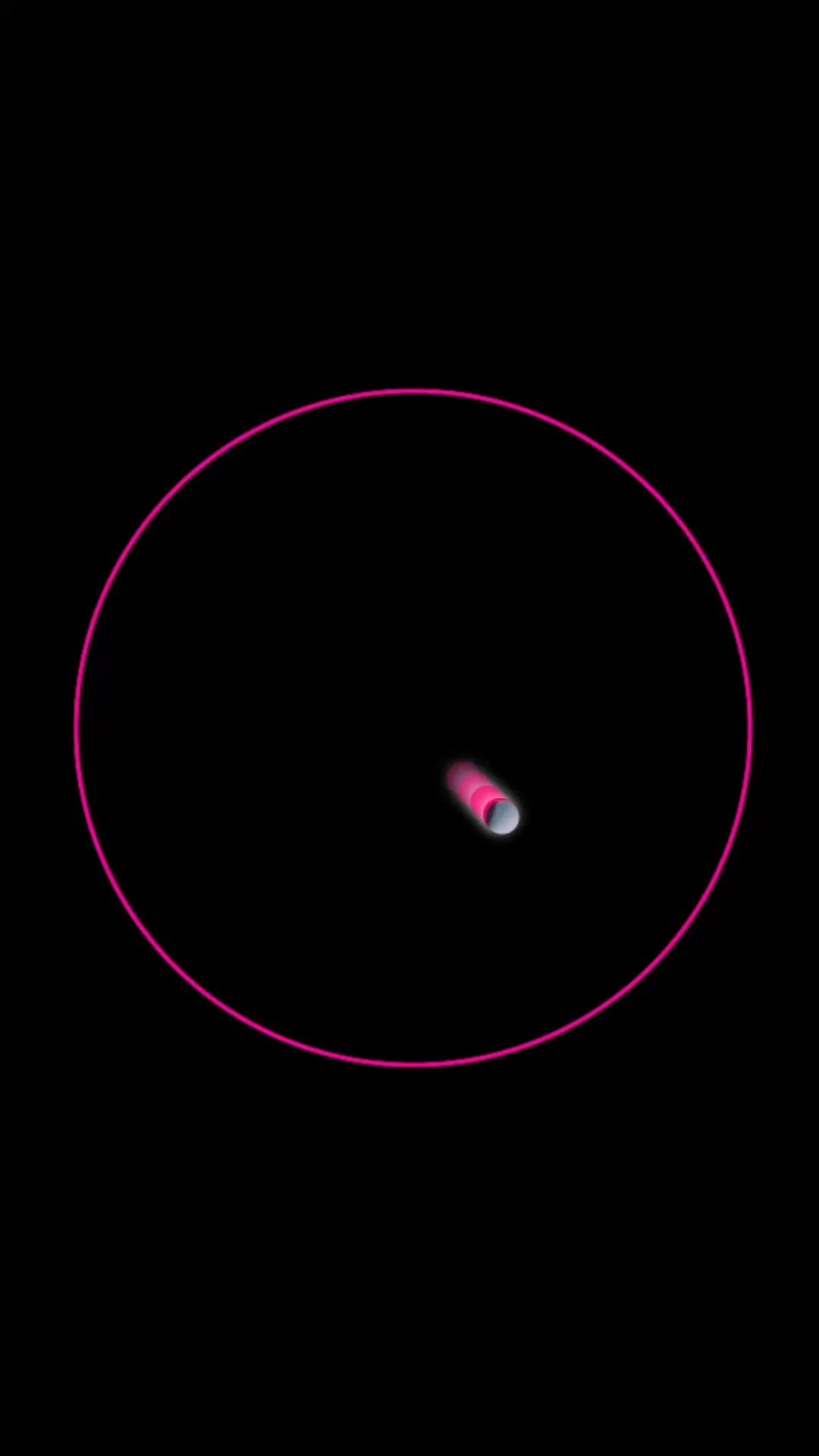
Create satisfying drawings automatically. Setup bouncing balls that leave glowing neon trails, forming detailed geometric art as they bounce.

Build Faceless Channels
Millions of Views Generated
Maximize Audience Retention
Bouncing ball reel

What Drawer Mode Actually Does

The trail never fades. The ball is a pen, the canvas keeps every stroke, and the finished drawing is the payoff.

Drawer Mode keeps the path. Where other modes let a trail decay, here every point the ball passes through is recorded as a permanent stroke, so the canvas accumulates a drawing as the simulation runs. The physics is the artist and the run is the brush stroke.

Symmetry is what turns that from a scribble into a pattern. With a symmetry count above one, every stroke is mirrored around the centre, so ordinary bouncing produces mandalas and rosettes without you designing them.

The mode rewards patience rather than speed. A slow ball on a long run produces a dense, legible figure, while a fast chaotic run fills the canvas before any structure emerges.

Mode Reference

Studio mode
Drawer
Core mechanic
Permanent strokes recorded along the ball path
Symmetry
Configurable mirrored repeats around the centre
Ends when
The figure is complete or the stroke budget is reached
Bonus output
The final frame works as a standalone still
Best canvas
Vertical 9:16 with the figure centred
Open Drawer Mode

How A Run Plays Out

The exact sequence the engine runs in this mode, from the first frame to the moment the run resolves.

1

The ball leaves a permanent stroke

Point Frequency decides how often a point is recorded along the path. Higher frequency gives a smoother line, lower frequency gives a faceted, geometric look.

2

Symmetry mirrors every stroke

Symmetry Count repeats each stroke around the centre. One gives a raw path, four gives a cross-shaped figure, and high counts turn a simple bounce into a full mandala.

3

The drawing constrains the ball

Path Attraction and Strength pull the ball toward its own drawing, so later strokes follow earlier ones. This is what makes a figure tighten instead of drifting into noise.

4

The figure resolves

Max Length and Line Lifetime decide whether the drawing accumulates forever or the oldest strokes retire. Reverse Drawing plays the accumulation backwards, erasing the figure stroke by stroke.

Every Control In Drawer Mode

These are the settings this mode adds on top of the shared physics, visual, audio, and export controls. Names match the studio sidebar exactly.

Stroke and brush

Brush StyleStroke ThicknessPoint FrequencyGlow IntensityLine Visibility

The look of the line itself. Thin strokes with high point frequency read as fine ink, thick strokes with glow read as neon.

Geometry and symmetry

Symmetry CountRadiusGhost Mode

The single most important group. Symmetry Count is what converts an ordinary bounce path into a designed-looking pattern.

Physics and constraints

Path AttractionStrengthBounce OnlyCore Logic

Constraints keep the drawing coherent. Bounce Only records a stroke at impacts alone, which produces angular figures instead of continuous curves.

Accumulation and colour

Max LengthLine LifetimeReverse DrawingColor Dynamics

These decide whether the canvas fills permanently or cycles. Colour dynamics shift the palette as the drawing grows, so age is visible in the figure.

Drawer Mode Example Runs

Every clip below was rendered in this mode. Nothing here is borrowed from another mode.

Drawer Mode - Bouncing Ball Line Drawing | ballengine.app

Drawer Mode - Bouncing Ball Line Drawing | ballengine.app

Draw patterns with bouncing balls. Watch moving balls leave glowing neon light trails that draw complex geometric shapes.

Why Drawer Mode Videos Travel

Retention reasons specific to this mechanic, not general advice about short-form video.

The unfinished picture is the hook

A partly drawn figure creates a question the viewer wants answered. People stay to see what it becomes, which is a stronger reason to finish a video than a loop can offer.

Symmetry is pleasant to watch form

Mirrored strokes appearing simultaneously around a centre read as intentional design. The satisfaction comes from the pattern resolving, not from impact.

The last frame is shareable on its own

A completed drawing is a still image worth posting, so one run produces both a video and a thumbnail without extra work.

It suits calm audio

Slow accumulation pairs naturally with quiet sound design, which opens an audience that scrolls past louder destruction formats.

Videos You Can Make In This Mode

Each of these is a different configuration of the same mode, so one setup session produces a batch of related uploads.

01

Mandala build

High symmetry count, slow ball, thin strokes. The canvas resolves into a symmetric figure over the length of the video.

02

Single continuous line

Symmetry off, high point frequency, long max length. One unbroken path that gradually fills the frame, closer to a drawing than a pattern.

03

Angular geometry

Bounce Only on, low point frequency. Strokes are recorded at impacts alone, producing sharp polygonal figures rather than curves.

04

Colour-aged drawing

Use colour dynamics so early strokes and late strokes differ. The finished image encodes the order it was drawn in.

05

Reverse erase

Run the accumulation backwards so a finished figure unwinds. Works as the second half of a two-part video.

06

Music-drawn figure

Combine with a melody so the drawing is produced by a performed song. The figure becomes a visual record of the track.

Build Your First Drawer Mode Video

The order that works. Following it out of sequence usually means retuning settings you already set.

  1. 1

    Slow the run down

    Lower gravity and ball speed before anything else. Drawer figures need time to build, and a fast ball fills the canvas before structure appears.

  2. 2

    Set the symmetry

    Choose Symmetry Count first, because it changes the character of everything else. Six to twelve is the usual range for a mandala look.

  3. 3

    Tune the stroke

    Set thickness and point frequency together. Thin strokes need high frequency to stay smooth, thick strokes can use less.

  4. 4

    Add attraction if it drifts

    If the figure loses coherence, raise Path Attraction so later strokes follow earlier ones and the drawing tightens toward a centre.

  5. 5

    Watch the whole run and export

    Let one full run play before exporting. The right ending is when the figure is dense and still readable, not when the canvas is saturated.

Settings That Make The Difference

  • Symmetry count is the difference between a scribble and a design. It is the first setting to change and the last one to fine-tune.
  • A dark background with a single bright stroke colour reads far better at phone size than a multi-colour palette.
  • Path Attraction is the cure for a drawing that wanders. Small increases pull the figure back toward its own structure.
  • Bounce Only produces a completely different visual language from continuous recording. Try both on the same physics before deciding.
  • Export a still of the final frame as well as the video. The finished figure works as a post on its own.

What Breaks A Run

  • Running the ball too fast, which fills the canvas with overlapping strokes before any figure emerges.
  • Thick strokes with high symmetry, which merge into a solid disc within seconds.
  • Unlimited accumulation with no lifetime, so the drawing becomes a saturated block and the video has no ending.
  • Bright backgrounds with glow enabled, where the glow has nothing to contrast against and the line goes flat.

What makes a figure resolve

A drawer run either converges into a recognisable figure or degenerates into noise, and the deciding factors are speed, symmetry, and attraction. Slow motion gives the strokes room to sit next to each other rather than on top of each other. Symmetry imposes order on an otherwise arbitrary path. Attraction pulls later strokes toward earlier ones so the figure gains a centre.

Point frequency is the quiet variable. Too low and curves become visible polygons, too high and the stroke count grows quickly enough to saturate the canvas early. When a drawing looks correct but ends too soon, point frequency is usually the reason.
Colour, contrast, and the final still

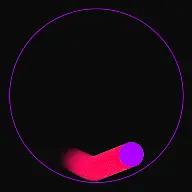
Because the canvas accumulates, contrast decisions compound. A palette that looks varied at ten strokes can average out to a single muddy tone at a thousand. The safest approach is one dominant stroke colour with a narrow range of variation, against a background dark enough that glow has something to read against.

Colour dynamics are most useful when tied to age, so the viewer can read the order of construction from the finished image. That turns the last frame into something worth posting separately, which effectively doubles the output of a single run.

Drawer Mode Questions

Drawer Mode turns physics simulations into visual art. As the balls move across the canvas, their motion trails are configured to be permanent instead of decaying. Each bounce and curve draws a line on the screen, gradually building up complex geometric art, mandalas, or abstract spirograph patterns as the physics simulation runs.

Under the Drawer Settings, you can adjust the brush size (trail thickness), enable mirror symmetry (e.g., 2-way, 4-way, or radial symmetry), and change color modes. Utilizing radial symmetry causes the balls to automatically generate perfectly balanced, complex mandala designs that are highly satisfying to watch develop in real-time.

For calming ASMR content, we recommend using slow-motion physics (low gravity and high damping), enabling thin, pastel-colored trails, and pairing them with low-frequency synth chimes or soft marimba notes. The combination of quiet, predictable sound triggers and the slow formation of beautiful geometric art creates a highly meditative, therapeutic experience.

Open Drawer Mode

Every control on this page is already in the studio. Load the mode and start from a working run.