BallEngine

Rhythmic Mode:
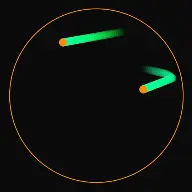
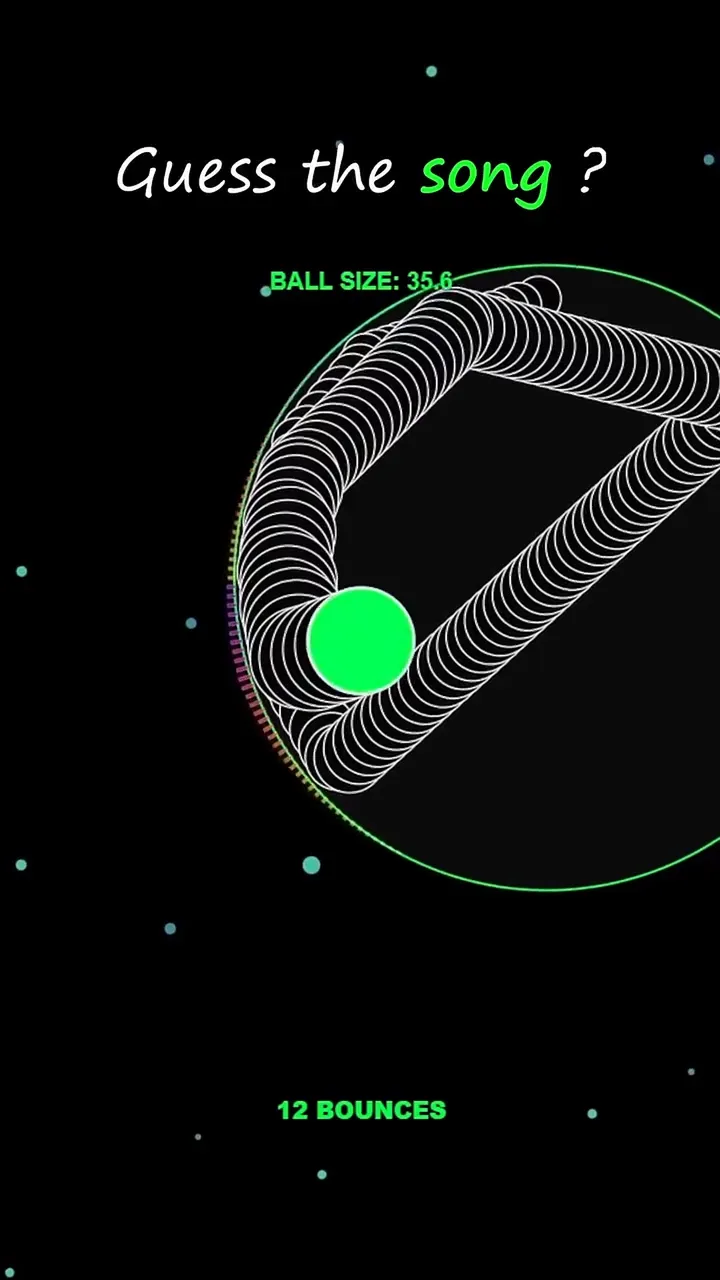
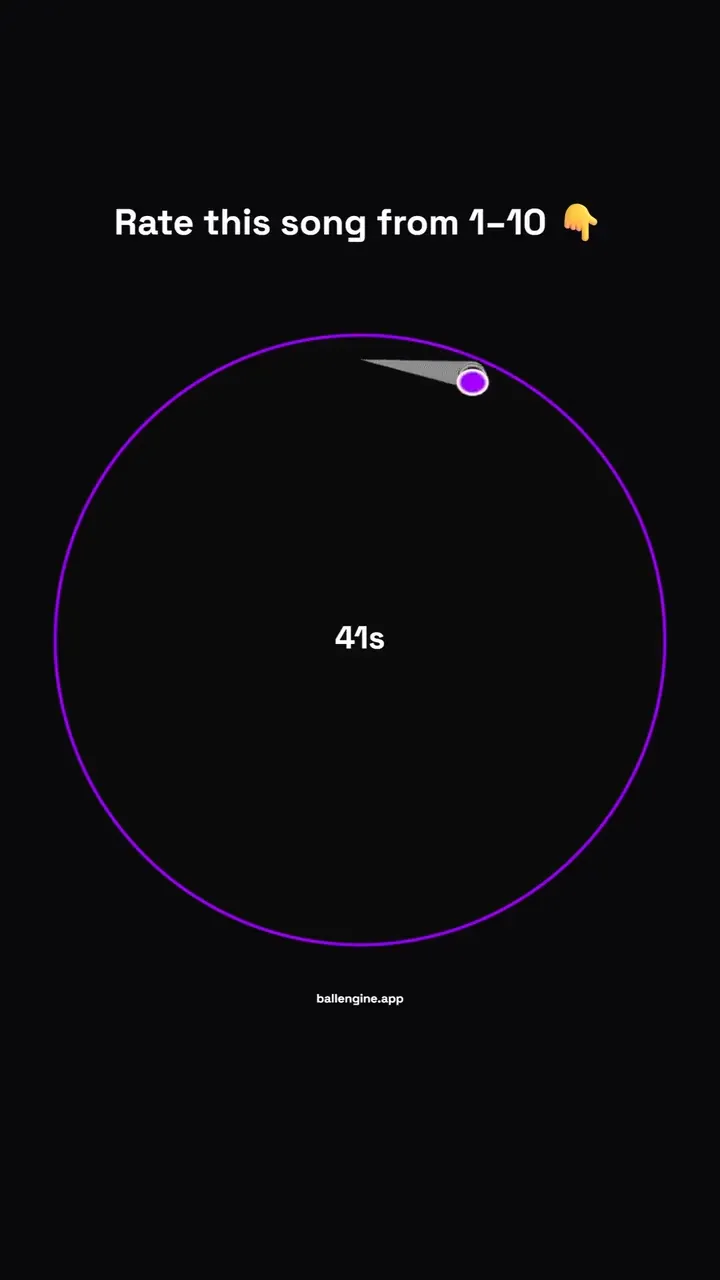
Bouncing ball music sync

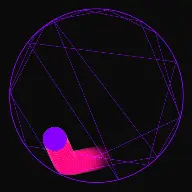
Upload a song or MIDI file and each bounce plays the next note, so the physics plays the melody.
Bouncing ball reel
Bouncing ball reel

What Rhythmic Mode does

The song is the script. The engine places the bounces so the physics performs the melody note by note.

Rhythmic Mode inverts the usual relationship between animation and audio. Instead of scoring a finished simulation, you load a song or MIDI file first and the engine works out where the collisions have to happen so each impact lands on the next note at the right moment.

That is why a rhythmic run feels different from a bounce loop with music on top. The bounces are not close to the beat, they are the beat. When the melody rests, the ball travels. When the melody runs sixteenth notes, the collisions come fast and the geometry tightens to make room for them.

The controls split into two families: the ones that decide how the audio is interpreted, such as playback speed, sync offset, and minimum spacing, and the ones that decide how the resulting motion looks, such as curvature, acceleration, and the shield ring behaviour.

How a run plays out

The exact sequence the engine runs in this mode, from the first frame to the moment the run resolves.
  1. 1.

    A song or MIDI file is loaded

    Selected Song / MIDI is the source of truth for the whole run. The engine reads the note timings out of it, and Play Original Song decides whether the source audio plays alongside the synthesised impacts.

  2. 2.

    Note timings become collision targets

    Each note becomes a moment the ball must be in contact with something. Sync Offset shifts the whole grid a few milliseconds if the impacts sound early or late against your ears and your export pipeline.

  3. 3.

    Geometry adjusts to the schedule

    Min Bounce Spacing and Min Bounce Distance stop the engine from asking for two impacts closer together than the physics can honour. Auto-Sync Gaps aligns ring openings to the note grid so a passage of fast notes still has somewhere to land.

  4. 4.

    Motion is styled around the performance

    Acceleration Mode, the speed caps, and Curve Intensity change how the ball travels between notes without moving the notes themselves. This is where a technically correct run becomes a watchable one.

Every control in Rhythmic Mode

These are the settings this mode adds on top of the shared physics, visual, audio, and export controls. Names match the studio sidebar exactly.

Song and timing

  • Selected Song / MIDI
  • Play Original Song
  • Playback Speed
  • Sync Offset (ms)
  • Min Bounce Spacing (ms)
  • Min Bounce Distance
  • Auto-Sync Gaps

The timing group. Sync Offset is the control you reach for when the impacts feel a fraction ahead of or behind the audio in the exported file.

Ball motion

  • Decouple Ball Speed
  • Acceleration Mode
  • Acceleration Factor
  • Acceleration Rate
  • Min Speed Cap
  • Max Speed Cap
  • Curve Intensity
  • Curve Path Length

These change the travel between notes. Decouple Ball Speed lets the ball look fast or slow without disturbing the note schedule, and curvature turns straight hops into arcs.

Shield ring

  • Rhythmic Shield Ring
  • Shield Radius
  • Shield Destroy Mode
  • Circle Size Multiplier

The shield gives the run a destructible target so the melody visibly consumes something. Destroy mode decides whether notes chip it away or clear it in sections.

Reactive visuals

  • Pulse Animation
  • Glow Animation
  • Ring Pulse Sensitivity
  • Animation Sensitivity
  • Spectral Density

Reactive settings tie the arena itself to the audio, so the frame moves on the beat even during passages where the ball is travelling.

Arena styling

  • Shell Color
  • Prism Start
  • Prism End
  • Pattern Mode
  • Layer Profiles

Styling is per layer, so a multi-ring rhythmic arena can carry a colour gradient that maps to pitch.

Rhythmic Mode example runs

Every clip below was rendered in this mode. Nothing here is borrowed from another mode.
Viral Bouncing Ball Run - Music-Synced Loop

Viral Bouncing Ball Run - Music-Synced Loop

Watch this music-synced musical bouncing ball simulation. Renders vertical portrait videos optimized for TikTok and YouTube Shorts.

Viral Bouncing Ball Run - Music-Synced Loop

Viral Bouncing Ball Run - Music-Synced Loop

Watch this music-synced musical bouncing ball simulation. Renders vertical portrait videos optimized for TikTok and YouTube Shorts.

Why Rhythmic Mode videos hold attention

What keeps people watching this mechanic.

Recognition happens instantly

A viewer who knows the song identifies it within a couple of notes, and that recognition is a stronger hook than any visual effect. It also drives comments, because people name the track.

The melody guarantees an ending

A song has a last note, so the video has a natural finish. That is a structural advantage over open-ended loops when the metric is completion rate.

Sound and picture agree

When impact and note land in the same frame the brain reads the two channels as one event. Small misalignments are what make music-synced videos feel cheap, and the sync offset control exists to remove them.

Catalogue depth is free

One arena plus a different song is a genuinely different video. That is the cheapest route to daily publishing volume that still respects the audience.

Videos you can make in this mode

Each of these is a different configuration of the same mode, so one setup session produces a batch of related uploads.

Song cover run

A recognisable melody performed entirely by impacts. The core format, and the one that carries the most search demand.

Melody plus shield

Add the shield ring so the song visibly destroys something as it plays. The last note clears the last piece, which gives the audio and the visual the same finish line.

Ascending scale climb

A simple rising scale instead of a song, with the arena colour mapped to pitch. Calm, cheap to produce, and reliable for a channel that publishes daily.

Tempo escalation

Raise Playback Speed through the run so the same melody accelerates. The physics has to work harder as the tempo climbs, which is visible on screen.

Two-part harmony

Use a multi-track source so different collisions carry different parts. The arrangement fills out without adding a second ball to track visually.

Beat-reactive arena

Turn up ring pulse and glow sensitivity so the whole frame breathes with the track. Suits ambient audio where the note events alone are too sparse to hold a frame.

Make your first Rhythmic Mode video

The order that works. Following it out of sequence usually means retuning settings you already set.
  1. 1.

    Choose the song first

    Load the song or MIDI before touching anything else. The melody decides how many collisions the run needs, which decides the geometry.

  2. 2.

    Check the note density

    Play the run once. If notes are being skipped, raise Min Bounce Spacing or lower Playback Speed until the physics can service every note.

  3. 3.

    Correct the sync

    Listen for impacts landing early or late and adjust Sync Offset in small steps. Confirm the correction on an exported clip, not only in the live preview.

  4. 4.

    Style the travel

    Add curvature and acceleration so the movement between notes is interesting. This is the step that separates a metronome from a performance.

  5. 5.

    Add a target and export

    Enable the shield ring if you want the melody to visibly consume something, then frame vertically and export.

Settings that make the difference

  1. Songs with clear separated notes work better than dense mixes. The engine can only place a collision where the physics can reach.
  2. Sync Offset is per project, not universal. Set it once per song rather than assuming a value that worked before carries over.
  3. Decouple Ball Speed lets you slow the visible motion for a calm look while the notes keep their original timing.
  4. Map the arena colour gradient to pitch through Prism Start and Prism End so high notes are visibly higher on the colour ramp.
  5. Leave Play Original Song off when the impacts alone carry the melody. Two copies of the same tune fighting each other sounds muddy.

What breaks a run

  1. Loading a dense track and expecting every note. Past a certain density the physics cannot reach each target and notes get dropped.
  2. Fixing sync problems by moving the geometry. Sync Offset exists for exactly this and leaves the arena intact.
  3. Setting Min Bounce Spacing to zero, which lets impacts stack into a single audible cluster.
  4. Running the original audio and the synthesised impacts at the same level, so neither one reads clearly.

Why the sync holds up

Audio-visual sync fails in two ways. Either the impact and the note are placed at different times, or they are placed correctly but drift apart during rendering. The first is a configuration problem and Sync Offset solves it. The second is a pipeline problem, which is why it is worth checking sync on an exported file rather than trusting the live preview, where browser audio scheduling can differ from the final render.

Minimum bounce spacing exists because physics has limits. Two notes twenty milliseconds apart would require the ball to be in two places almost at once. Rather than fake it, the engine enforces a floor, and the honest fix for a passage that is too dense is to slow the playback rather than to force the collisions.
Choosing source material

The best sources are melodies with clear note separation: single-line themes, nursery melodies, game themes, simple piano arrangements. Anything where a listener could hum the line is likely to translate well, because a hummable line is one with reachable spacing.

Dense material can still work if you slow it down. Halving the playback speed doubles the time the ball has between notes, and the run reads as a deliberate slow arrangement rather than a failed fast one.

For daily publishing, keeping one arena and rotating the song is the highest-leverage workflow in the product. The geometry is already tuned, so each new video costs a file load and a sync check.

Rhythmic Mode questions

Open Rhythmic Mode

Every control on this page is already in the studio. Load the mode and start from a working run.